
Technical riders for live music
Build a technical rider that's clear, complete and ready for the show.
Create your stage plot, input list, equipment needs, requirements and essential show information in one structured rider.
Start without signing up.
Looking for a stage plot maker?
You can draw your stage in minutes. Then ArtistRider keeps going: the same setup feeds your input list, equipment and requirements, so you end up with a full technical rider instead of a drawing.
How ArtistRider works
One workflow, from the stage to the finished rider: stage plot, input list, equipment, requirements, rider information, PDF.
01
Build your stage
Place instruments, backline, wedges and shapes on an mm-accurate stage canvas by drag and drop.
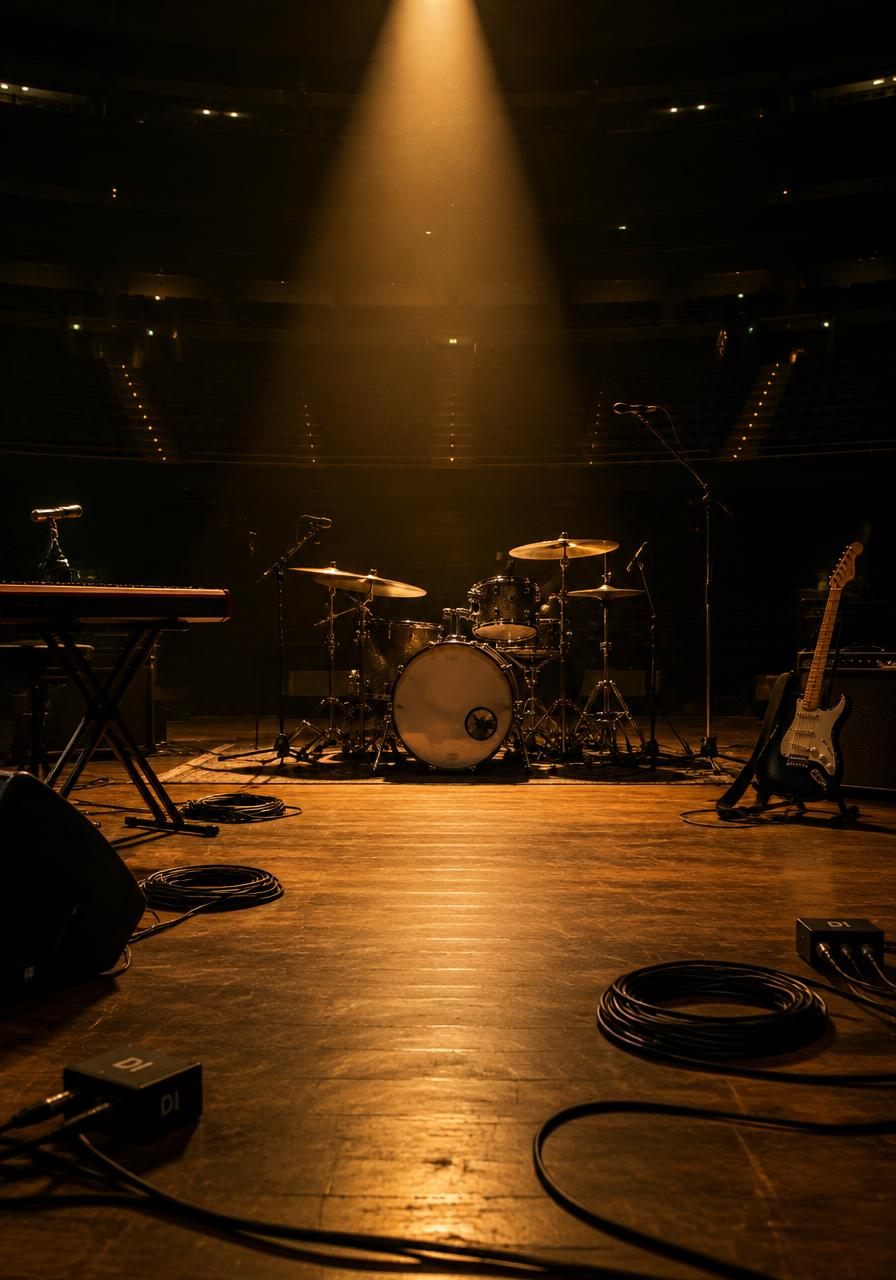
- Build your stage: Place instruments, backline, wedges and shapes on an mm-accurate stage canvas by drag and drop.
- Number your channels: Build a structured input list: source, microphone or DI, phantom, stand, provider and notes — numbered on the plot.
- List equipment and backline: Record every item with quantity, provider and details, and mark what counts as backline.
- Write your requirements: Structured requirement blocks for power, stage, crew and timing instead of one long paragraph.
- Add the show information: General show information, contacts, hospitality and supporting documents on the same rider.
- Export and share: Export a professional PDF from a layout template, or send a read-only share link.
Your rider, in one place
Export a clean PDF or send a share link. Every section stays editable for the next show.
From scattered files to one rider
Without ArtistRider
- Miscommunication
- Separate files
- Manual copying
- Outdated versions
- Stage chaos
- Scattered PDFs
Stage drawing, channel list, documents and show information maintained separately, then copied by hand for every show.
Work with ArtistRider
- Instant share
- Always editable
- Clean PDF
- One document
- Synced data
One structured rider workflow where the stage, the technical lists and the show information stay together.
What ArtistRider actually does
Every section below is a real part of the product, shown with the product's own interface.
Build your stage visually
A proper stage plot editor: drag items from the asset library onto an mm-accurate canvas and arrange the stage exactly as it will look.
- Asset library of instruments, backline and production equipment
- Shapes, drawing tools and text for risers, cabling and stage notes
- Layers, locking and alignment so a busy stage stays readable
- Channel-number badges on stage items, matching the input list
An input list, not just a picture
This is where ArtistRider stops being a stage plot maker. Every channel is structured data in the same rider as the stage plot, so the numbering never drifts apart.
- Source, microphone or DI, phantom power where relevant, stand and notes
- Provider per channel: what you bring and what the venue supplies
- Member assignment and drag-and-drop ordering
- Channels and stage items belong to the same rider workflow
Equipment and backline in the rider
Keep the gear list with the rider instead of in another spreadsheet: items, quantities, details and who is responsible for each one.
- Items with quantity, provider and equipment details
- Backline classification, inherited from the item and adjustable per rider
- Filtering and organisation as the list grows
| Item | Qty | Provided by |
|---|---|---|
| Drum kit (22" kick)Backline | 1 | Venue |
| Bass amp headBackline | 1 | Artist |
| Guitar comboBackline | 1 | Venue |
| Wedge monitors | 3 | Venue |
| Keyboard stand | 1 | Artist |
Requirements and monitors
The parts of a rider that usually end up as an unreadable text block become structured sections you can order, edit and export.
- Requirement blocks for power, stage, crew and timing — reorderable
- Monitor outputs with mix content, next to the input list
- Everything exports with the rider instead of living in a separate note
The rest of the rider
A rider is more than the technical stage information. General details, the people to call and the non-technical needs stay on the same document.
- General show and production information
- Contacts, so the technician knows who to call
- Hospitality, for the parts of the rider that are not technical
- Supporting documents attached to the rider
Export, share and reuse
The structured rider becomes something you can actually send: a professional PDF, or a link that opens a read-only rider view.
- PDF export built from layout templates made for technical documents
- Custom PDF branding and templates on the Touring plan
- Share links that open a read-only rider viewer
- Rider templates and history, so the next rider starts from the last one
A stage plot is only one part of a technical rider
Drawing tools stop at the picture. A rider also needs channels, equipment, requirements and the details that let a crew prepare before you arrive.
The picture
Stage plot: who stands where, and what is on the deck.
The technical detail
Input list, equipment, backline and monitor mixes.
The rest of the rider
Requirements, show information and contacts, in one document.
Everything in your rider
One document, edited section by section — and every section exports and shares with it.
Stage and audio
Stage plot
Visual, mm-accurate stage layout
Input / channel list
Structured channels with mics, DIs and stands
Monitors
Monitor outputs and what is in each mix
Production
Equipment
Items, quantities and who provides them
Backline
Marked per item, adjustable per rider
Requirements
Structured blocks instead of loose text
Documents
Supporting files kept with the rider
Rider information
General information
Show and production details
Contacts
The people the technician needs
Hospitality
The non-technical side of the rider
Output and reuse
PDF export
A professional document you can send
PDF templates
Layouts that keep every rider consistent
Sharing
Read-only share links to the rider
Rider templates
Reuse a setup instead of rebuilding it
Rider history
Saves, exports and shares are recorded
Workspaces
Separate contexts for multiple productions
Rider basics
Short answers, in case this is your first rider.
- What is a technical rider?
- A document that tells the crew what you need in order to perform: your setup, your channels, your equipment and your requirements.
- What should it include?
- A stage plot, an input list, equipment and backline, monitor needs, written requirements and the contacts for your technical people.
- What is a stage plot?
- A to-scale drawing of where everyone and everything stands on stage, so the crew can set up before you arrive.
- Why does the input list matter?
- It tells the engineer what arrives at each channel. That is the difference between a picture and a rider a crew can work from.
Plans
Start free. Move up when your riders get bigger.
Essential
Free
- 3 saved riders
- Stage plot, input list and equipment
- Requirements, hospitality and contacts
- PDF export and share links
Professional
Most popular€4.99/month
7-day free trial
- 10 saved riders
- Advanced channel fields and monitor list
- Multiple icon packs, 25 custom assets
- 10 custom PDF templates
Touring
€9.99/month
7-day free trial
- Unlimited saved riders
- The complete icon and asset library
- Custom PDF branding and templates
- Unlimited custom PDF templates
- 250 MB of attached documents
Every plan includes the stage plot, input list, equipment, requirements, hospitality, contacts, PDF export and share links.
What you can check for yourself
The real editor
The stage on this page is drawn by the same renderer the product uses.
Professional PDF
Export with layout templates built for technical documents.
Send a link, not a mess
Share links open a read-only rider view for the person who needs it.
History on the rider
Saves, exports and shares are recorded on each rider.
Try it first
Build a rider before you create an account.
Questions

Blog and templates
Practical, plain-English explanations of the documents a live show runs on.
Your next rider can start right now.
Open the editor, place your first item, and watch the rider build itself around it.
No account required to start.